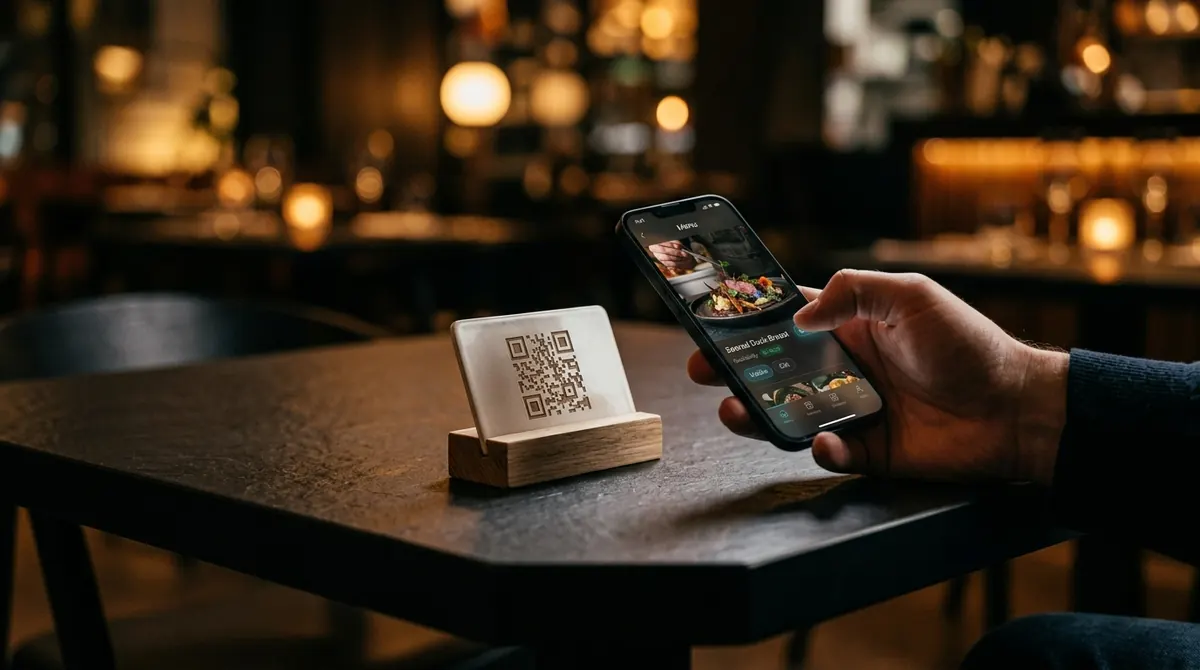
At the table
It begins with a camera and a card.
A guest points their phone at the code on the table and the menu opens. No app, no keyboard, no waiting for a printed copy to come back around the room.
Guests open it by pointing a camera at the table. Your colours, your logo, your photography. Change a price at six and it has changed by the seven o'clock sitting.
No app for guests to install. Nothing to reprint when the menu changes.
Every dish can carry a photo, a description, dietary marks and a spice level. Grid or compact list, whichever suits the room.
Search the whole menu, jump straight to a section, or switch between the food and drink lists with one tap.
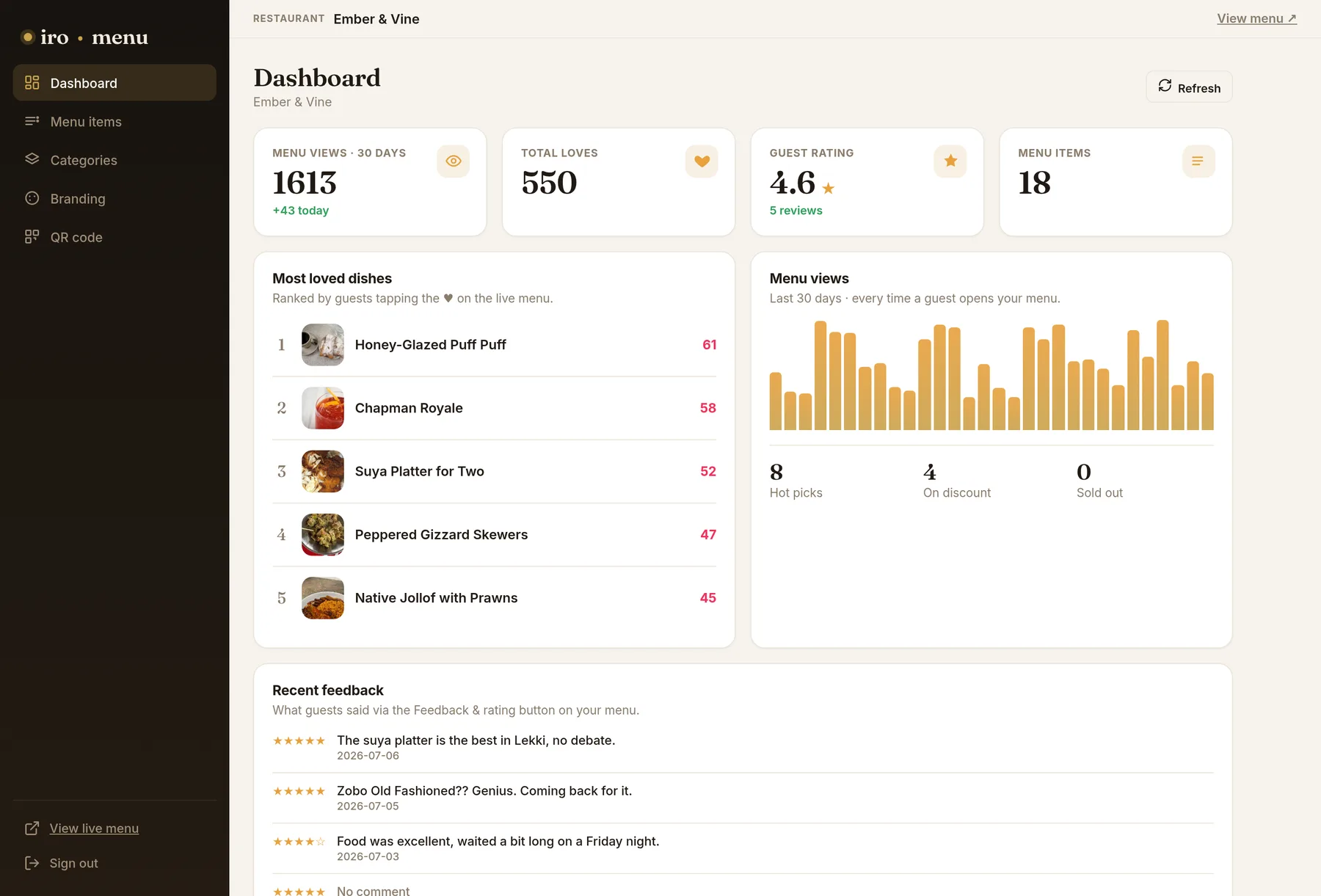
Guests heart the dishes they like and leave a rating on the way out. Both land on your dashboard.
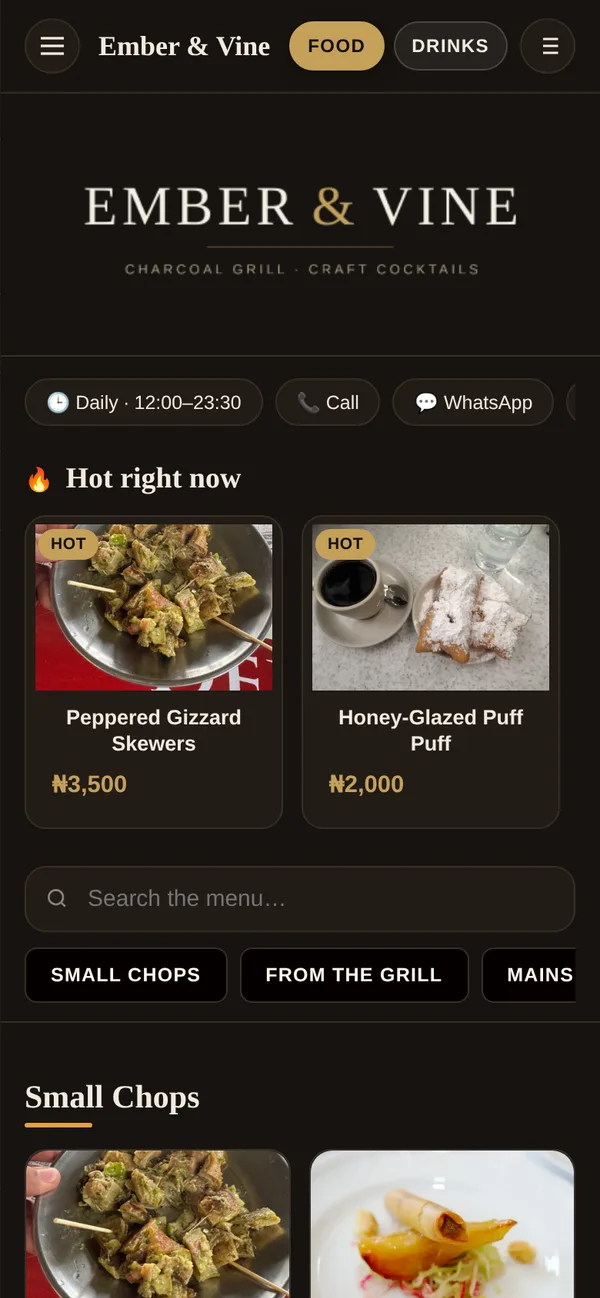
A guest points their phone at the code on the table and the menu opens. No app, no keyboard, no waiting for a printed copy to come back around the room.
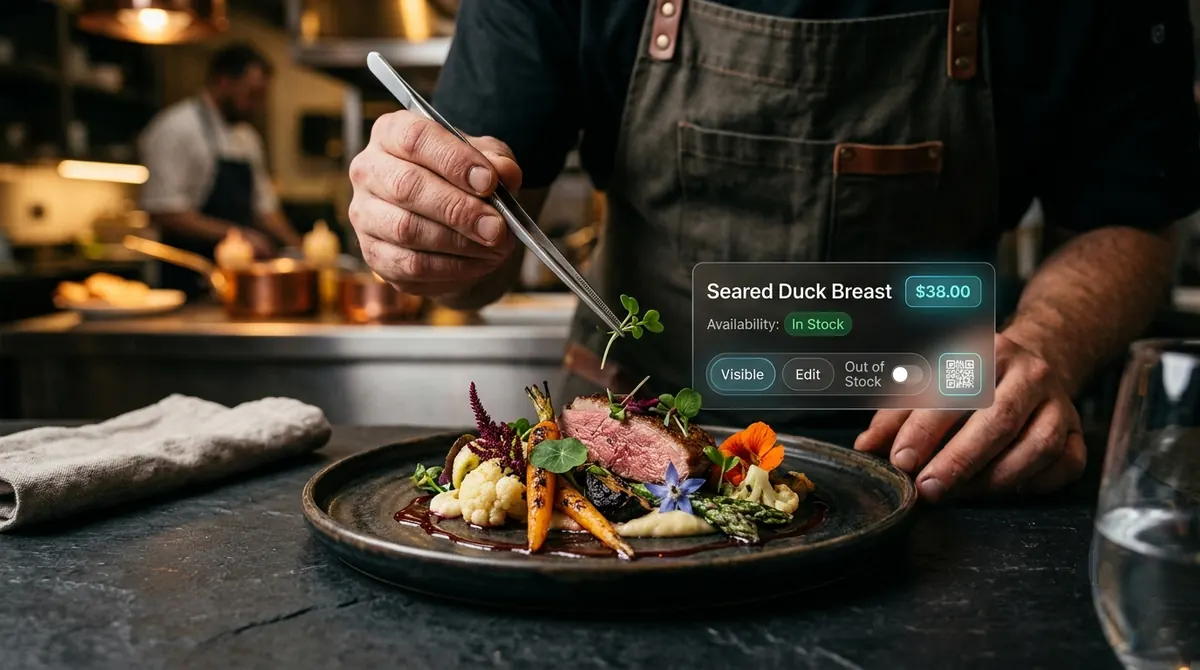
Price changes, a dish marked sold out, a special added for one evening. Whoever runs service can make the change, and the menu on every table agrees with them straight away.
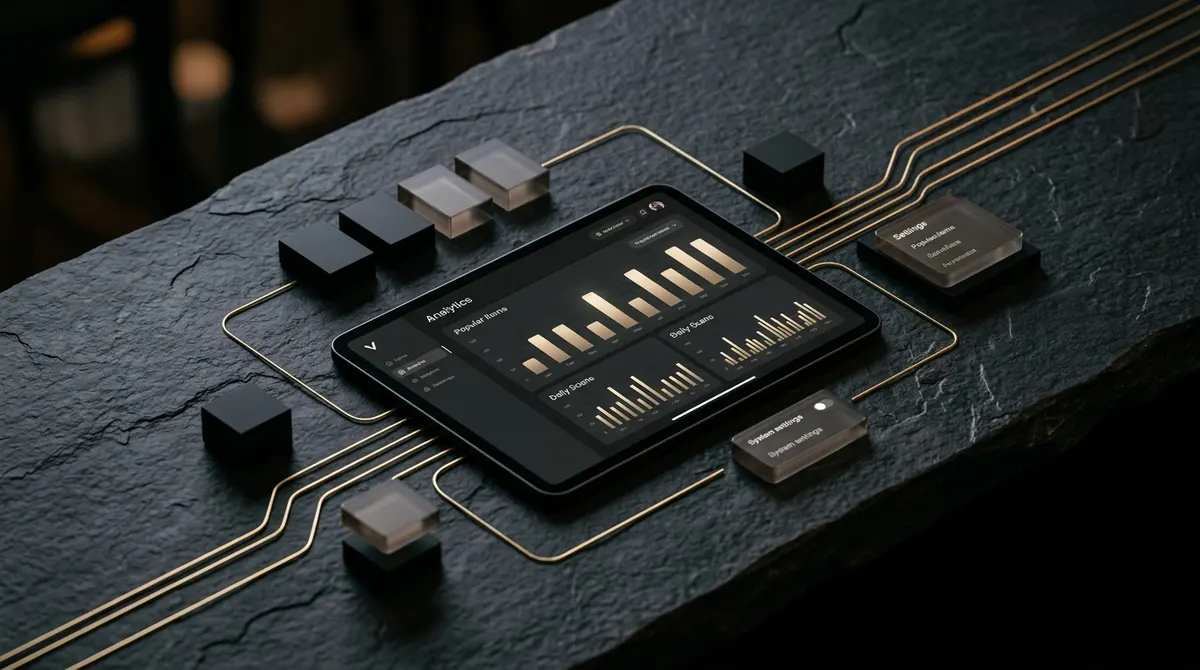
Which dishes guests kept coming back to, how busy each night was, and what they said on the way out. The things a paper menu could never tell you.
Print one QR for the room, or one per table so the menu greets a guest by their table number.
The kitchen runs out at eight. The menu says so at eight. No reprinting, no pen through the line.
Your logo, colours, typography and background. Or start from a coordinated theme and adjust it.
Most loved dishes, thirty days of menu views, and every rating guests left, in one place.
Run several restaurants from one sign in, each with its own menu, branding and numbers, and switch between them.
It opens in the camera, in the browser they already have. No app, no sign up, no account to remember.
Sections, dishes, prices and photos, from one panel.
Download the QR and put it on the tables. It never expires.
Every change is live the moment you save it. The printed code stays the same.
Pricing depends on how many rooms you run and how much of the setup you want done for you. Send a few details and we will come back with a figure.
We reply to every enquiry by email. Nothing is shared with anyone else.
Sign in to the admin panel and build your first menu in about fifteen minutes: sections, dishes, photos and a QR code ready to print.